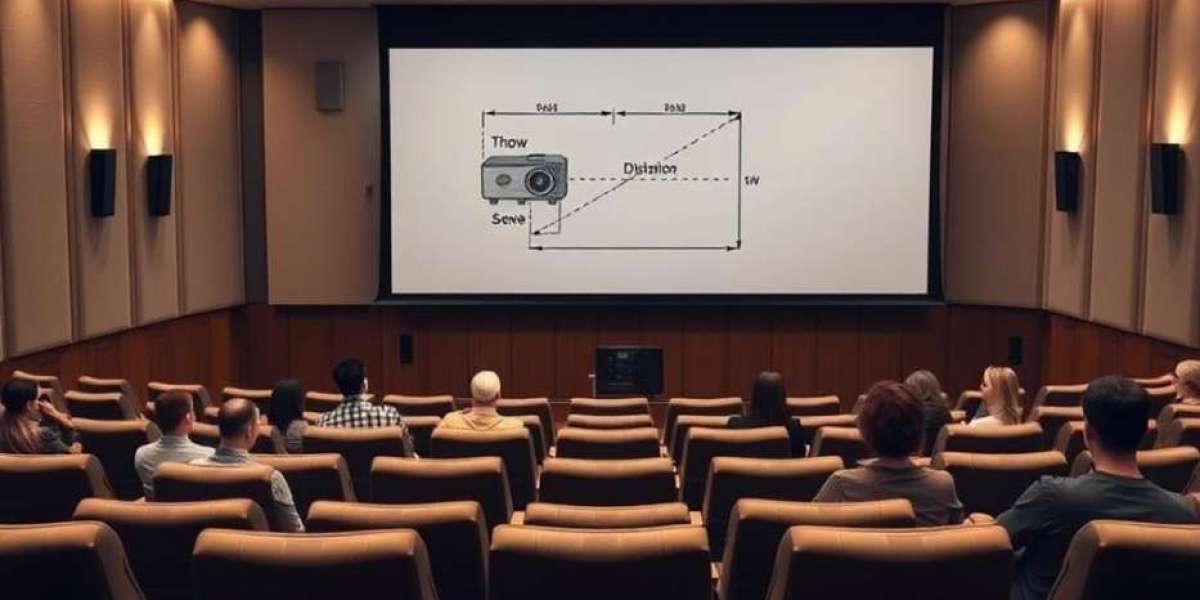

Ultra large auditoriums with seating capacities exceeding 1000 often require multiple projectors to achieve sufficient brightness, coverage, and image quality. Single projectors, even high lumen models, may not deliver uniform illumination across massive screens. Multi projector blending, also known as edge blending, allows multiple projectors to overlap their images seamlessly, producing a single cohesive image without visible lines or brightness inconsistencies. Proper implementation ensures audience members experience clear visuals from every seat. This blog explores multi projector blending techniques specifically for ultra large auditoriums.
Understanding the Need for Multi Projector Setups
Large auditoriums present challenges such as wide screens, long throw distances, and varying viewing angles. A single projector may struggle with brightness drop-off, uneven focus, and insufficient resolution over wide areas. Multiple projectors help distribute light evenly, increase overall brightness, and reduce the risk of image degradation at the edges. They are particularly useful for events requiring large format video, high resolution presentations, or live broadcasts.
Choosing Projectors for Blending Applications
Selecting projectors for blending is critical. Projectors should have identical specifications including resolution, brightness, color temperature, and lens type. Variations in these parameters can make seamless blending impossible. Laser projectors are preferred because they maintain consistent brightness and color stability over long periods. Projectors with wide lens shift capabilities simplify alignment in multi projector setups.
Understanding Edge Blending Principles
Edge blending involves overlapping the edges of two or more projected images and gradually adjusting brightness to create a smooth transition. The overlapping region must be precisely calibrated to avoid visible seams. Most professional projectors come with built-in edge blending features or can be controlled via external video processors. The blending zone typically ranges from 5 to 20 percent of the image width depending on the projector type and throw distance.
Screen Selection for Multi Projector Blending
The choice of screen material affects blending quality. Low gain screens with wide viewing angles are recommended to minimize hotspots in overlapping areas. Uniform color and reflectivity across the screen ensure the blended image looks consistent. Ambient light rejecting screens are particularly helpful in auditoriums with stage lights or large windows.
Calculating Overlap Zones
Accurate calculation of overlap zones is essential. Too little overlap results in visible seams, while too much reduces image brightness in the blended area. Use projector throw distance, lens specifications, and screen dimensions to determine optimal overlap percentages. Planning software like XTEN AV can simulate multiple projector layouts and calculate precise overlap requirements before installation.
Alignment and Calibration Techniques
Alignment is the most critical aspect of multi projector blending. Each projector must be mounted on a stable platform with minimal vibration. Horizontal and vertical lens shifts are used to align images. After physical alignment, geometric correction and blending software fine-tune the edges. Professional calibration tools, such as test patterns and photometers, ensure color and brightness consistency across all projectors.
Color Matching Between Projectors
Even slight differences in color output can be noticeable in blended images. Color matching involves adjusting gamma, brightness, and color temperature settings on each projector. Advanced calibration software can automatically synchronize multiple projectors. Regular recalibration ensures long term consistency, especially in laser projectors where slight color drift may occur over years.
Using Video Processors for Seamless Blending
Dedicated video processors manage multi projector inputs, edge blending, and geometric corrections. They handle complex warping, scaling, and signal distribution to maintain a seamless image. Video processors are particularly helpful in auditoriums with curved screens or irregular wall shapes. They also allow quick switching between content sources without redoing projector alignment.
Dealing with Wide Auditorium Layouts
In ultra large auditoriums, projectors may be positioned far apart to cover wide screens. This increases the risk of brightness drop-off, distortion, and misalignment. Edge blending compensates for these factors by evenly distributing light across overlapping areas. Lens selection and projector positioning must account for extreme angles and distance from the screen to maintain image uniformity.
Managing Brightness and Uniformity
Blended areas can appear brighter due to overlap if not properly adjusted. Brightness uniformity is achieved by reducing the intensity in overlapping regions while maintaining total screen brightness. Most projectors allow fine adjustment of gamma curves and output levels. Proper calibration ensures that the audience perceives a uniform image from front to back rows.
Handling Curved or Irregular Screens
Auditoriums with curved or semi-round screens require advanced warping techniques in addition to blending. Projector outputs must be geometrically corrected to match the screen curvature. Blending software helps map images to complex surfaces while preserving alignment and brightness. Professional tools can simulate the final image on irregular screens before installation.
Maintaining Alignment Over Time
Even slight shifts in projector mounts, environmental changes, or thermal expansion can affect blended images. Regular maintenance and recalibration prevent misalignment and ensure image quality. Secure mounts, vibration dampening, and controlled room temperature contribute to stability.
Integration with Control Systems
Blended projector setups are easier to manage with centralized control systems. Operators can adjust brightness, switch inputs, and manage calibration settings from a single interface. Control systems reduce human error and allow rapid adjustments during events.
Preparing for Redundancy
Critical events such as live conferences, performances, or worship services require redundancy. Having additional projectors on standby ensures continuous operation in case of equipment failure. Multi projector systems can be designed so that a backup projector automatically activates if a primary unit fails, minimizing disruption.
Optimizing for Live Streaming and Recording
Blended images must maintain color and brightness consistency not only for in person viewing but also for cameras used in live streaming or recording. Alignment ensures that broadcast feeds appear uniform without visible seams or distortion. Camera placement should consider the blended projection zones to capture a natural image.
Conclusion
Multi projector blending is essential for ultra large auditoriums to achieve high brightness, wide coverage, and consistent image quality. By carefully selecting projectors, planning overlap zones, calibrating alignment, and using dedicated video processors, AV integrators can deliver a seamless viewing experience. Proper installation, color matching, and ongoing maintenance ensure the blended projection remains stable and visually compelling for years.
Read more: https://social.updum.com/read-blog/31851