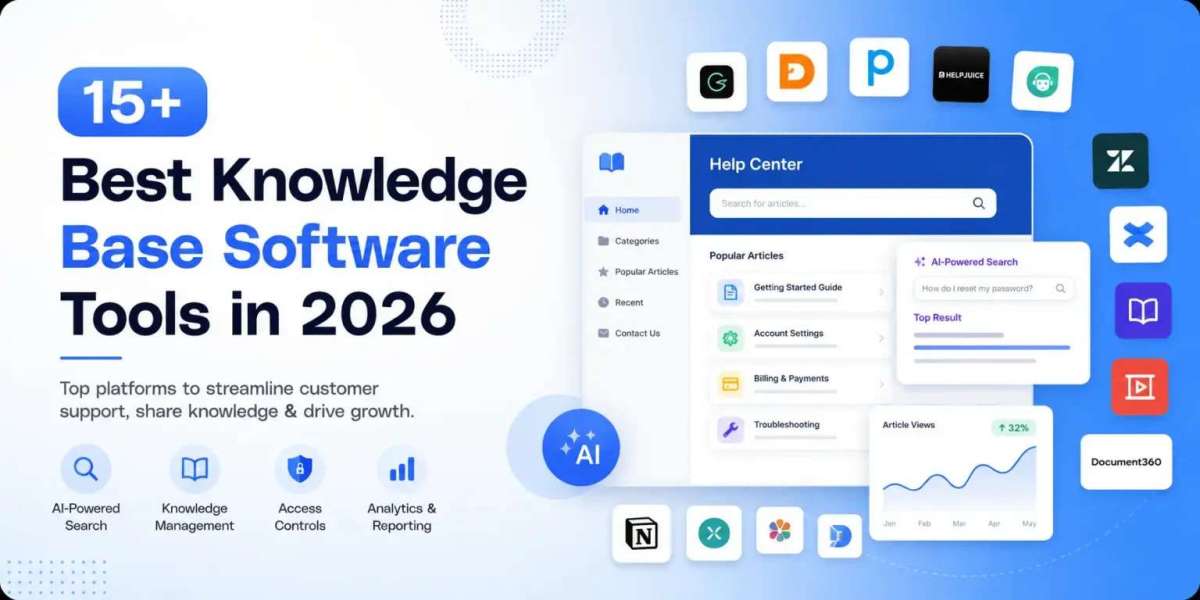

When you are trying to manage your business operations, you will quickly find that keeping your users and employees happy requires specific software systems. Two terms that always come up are knowledge base software and help desk software. Many people think they mean the identical thing, but they actually serve completely different purposes in your everyday customer support workflow.
Choosing the incorrect option can lead to massive confusion for your team. Let us break down what each tool does, how they fit into your overall knowledge management strategy, and how to tell them apart without getting lost in technical jargon.
What is Knowledge Base Software
To put it in simple terms, knowledge base software is a centralized digital library where you store important documents, guides, tutorials, and frequently asked questions. It acts as the single source of truth for your organization. Instead of having your staff answer the same question twenty times a day, you write the solution once inside your knowledge base software.
Modern options utilize an AI-powered search to help users find exact answers instantly. When a customer or an employee types a query, the AI-powered search sifts through your articles to deliver the correct page immediately. Security is also a major factor here, meaning you will need granular access controls. Good access controls ensure that internal human resource policies remain hidden from the public while your customer facing troubleshooting guides stay completely open.
Ultimately, knowledge base software is about self-service. It helps individuals solve their own problems without needing to wait for a human agent to reply. This keeps your information organized and improves your long-term knowledge management efforts.
What is Help Desk Software
On the flip side, help desk software is designed to manage active conversations and issues. When a consumer has a problem that they cannot fix by themselves, they reach out through email, chat, or social media. This action creates a ticket inside the help desk system.
The core of this platform is incident response and communication tracking. Your customer support agents use it to organize, prioritize, and reply to these tickets. It functions much like a specialized task management software, where every incoming message is an assignment that needs a resolution. Unlike knowledge base software, which is a library, help desk software is a communication hub. It allows your customer support team to collaborate on complex technical problems, track how long it takes to close a ticket, and handle real-time incident response when things go wrong.
Key Differences Between the Two Systems
Understanding the core differences helps you avoid wasting money on systems that do not match your operational needs. Here is how they stack up against each other across different categories.
Purpose and User Interaction
The main difference is how people interact with them. You use knowledge base software when you want to look up information independently. It relies heavily on an intuitive AI-powered search to guide the reader. Help desk software is used when a conversation must happen. If a billing system breaks, a customer will not just want to read a manual; they need a customer support agent to manually fix the issue, which requires incident response tracking.
Workflow and Task Management
Help desk software operates exactly like a task management software because it handles changing statuses, such as open, pending, and resolved. It requires a clear track record of who spoke to the customer last. Knowledge base software does not track conversation threads. Instead, its workflow revolves around content creation, article versioning, and managing access controls so the right people edit the correct documentation.
Data and Insights
The analytics and reporting features in these tools look at completely different metrics. In a help desk, your analytics and reporting will show you ticket resolution times, agent workloads, and customer satisfaction scores.
For knowledge base software, your analytics and reporting will tell you which search terms failed, what articles are read the most, and where your knowledge management gaps are.
How They Work Together in Real Life
Most successful companies do not choose just one; they use both to create a seamless customer support experience. For instance, many teams look at industry options like Jira Service Management, which beautifully bridges these worlds.
When you use Jira Service Management, an incoming incident response ticket can be linked directly to your internal documentation. If your customer support agent is resolving a ticket using a task management software workflow, they can pull up an article from the knowledge base software right inside the ticket view. This speeds up the resolution process significantly. Furthermore, if your analytics and reporting show that a specific ticket topic keeps appearing, your team can use that data to write a new article for your knowledge base software, utilizing proper access controls to publish it safely.
Which One Does Your Business Need First
If you are a small team just starting out, you might wonder which platform to buy first. If you are overwhelmed by repetitive questions, installing knowledge base software equipped with an AI-powered search will save your sanity. It organizes your internal knowledge management and allows self-service.
However, if you are struggling to keep track of customer emails and your incident response time is lagging, you desperately need help desk software to act as your primary task management software. Many modern tools, including Jira Service Management, offer hybrid setups, but you must verify their track record before committing. Look for a vendor with a solid track record of uptime and ease of use.
By balancing your knowledge base software for documentation and your help desk for communication, you give your customer support team the ultimate toolkit to scale your business efficiently.